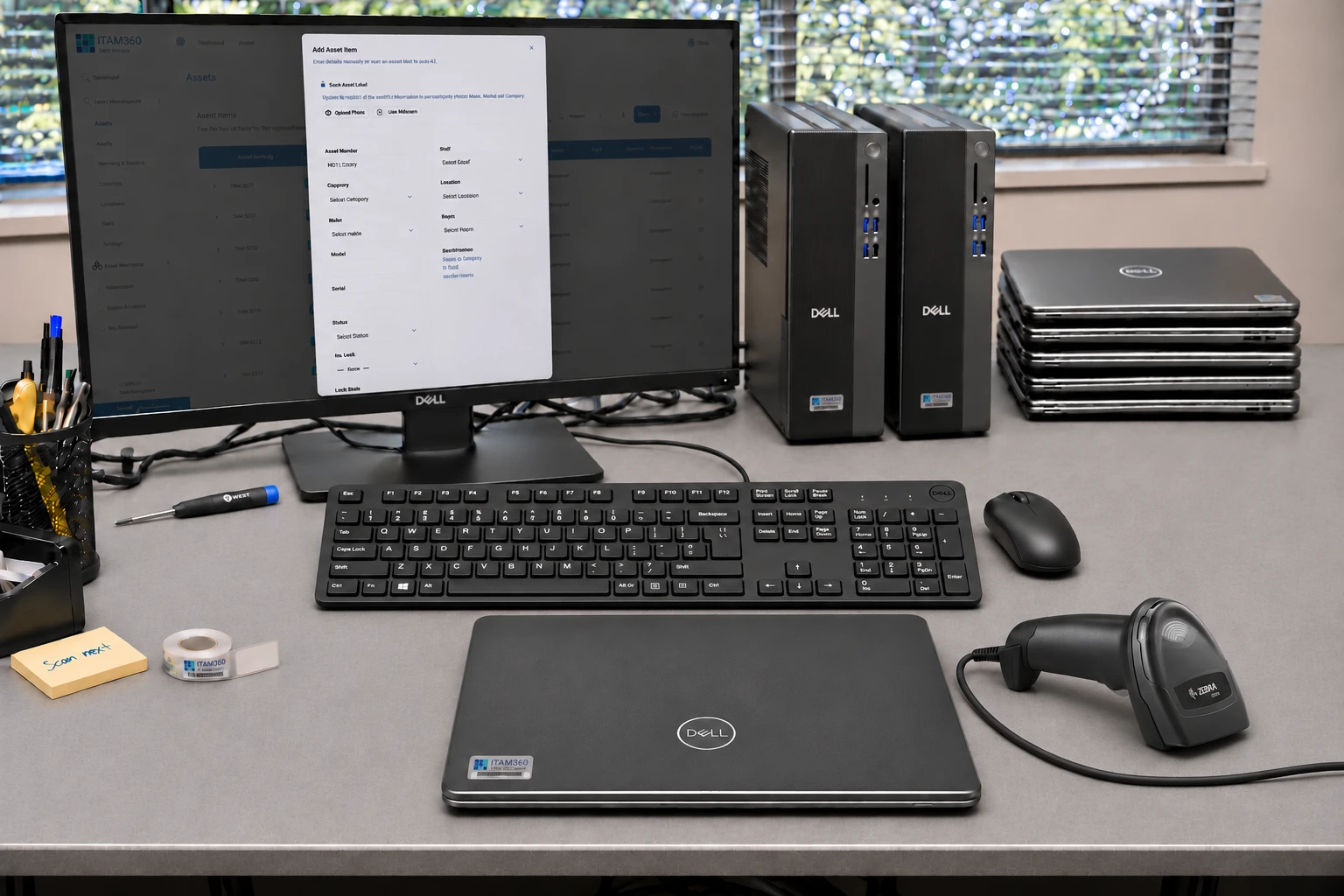
 During the working life
Asset management
/01Answer everyday questions without piecing together separate records: which laptop is assigned to a colleague, where it is and when its warranty or service is due.
Explore asset management
Know what equipment you have, who has it and when it needs attention. When it is ready to leave service, prepare its recycling collection from the same asset register.
Developed in-house by PC4 Recycling, shaped by our own asset-management and IT-disposal workflows.
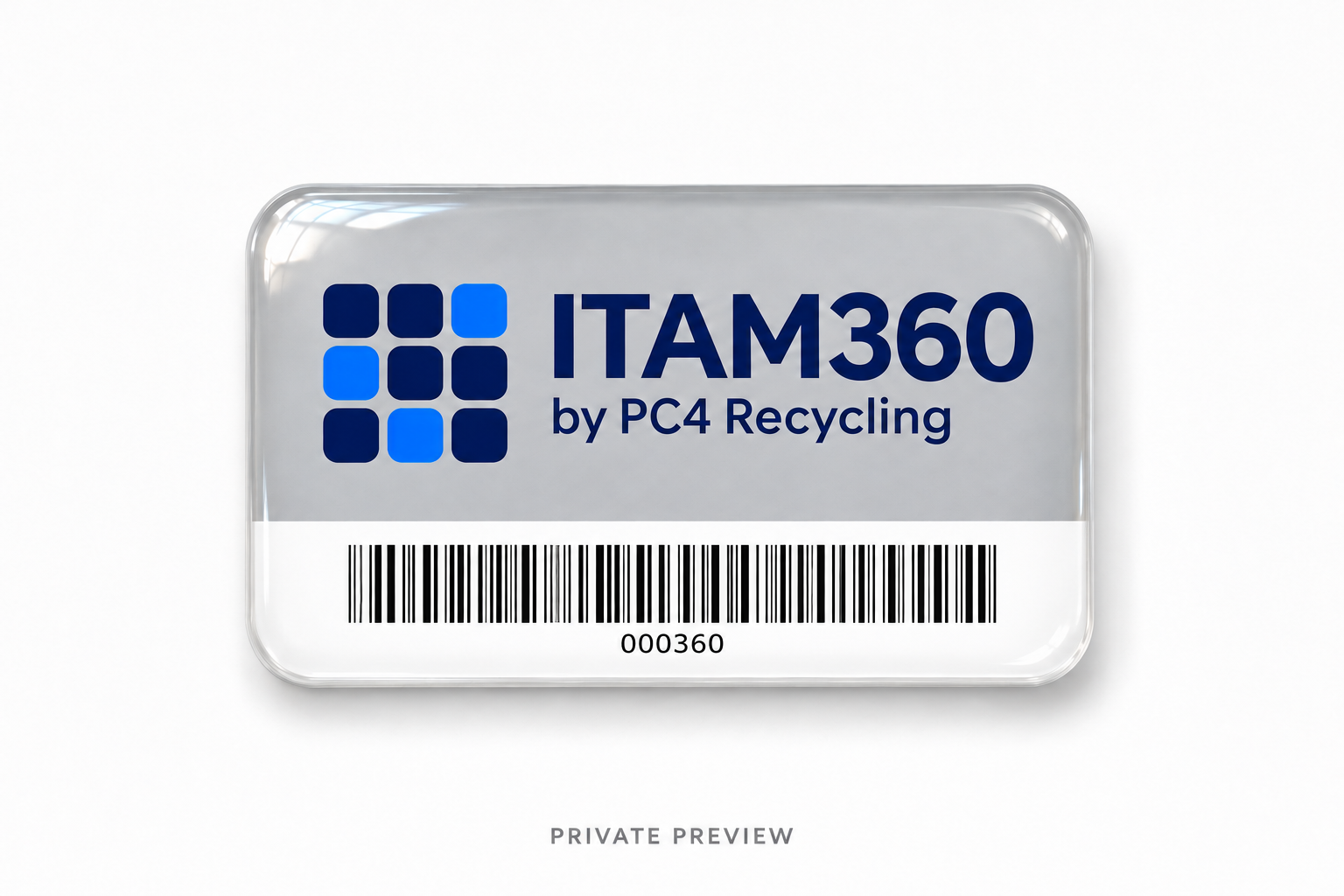
Add equipment details or use the register’s import tools.
Link devices to staff, locations and rooms.
Keep warranty, service and physical-audit records together.
Select equipment to prepare a recycling collection.
Find job documents and outcomes as PC4 processes the collection.
You choose what leaves service and request a collection. PC4’s team handles the collection and processing; the portal keeps the records connected.
Manage the equipment your team uses now, or plan what happens to equipment you are retiring.
The two journeys connect in ITAM360.
During the working lifeAnswer everyday questions without piecing together separate records: which laptop is assigned to a colleague, where it is and when its warranty or service is due.
Explore asset management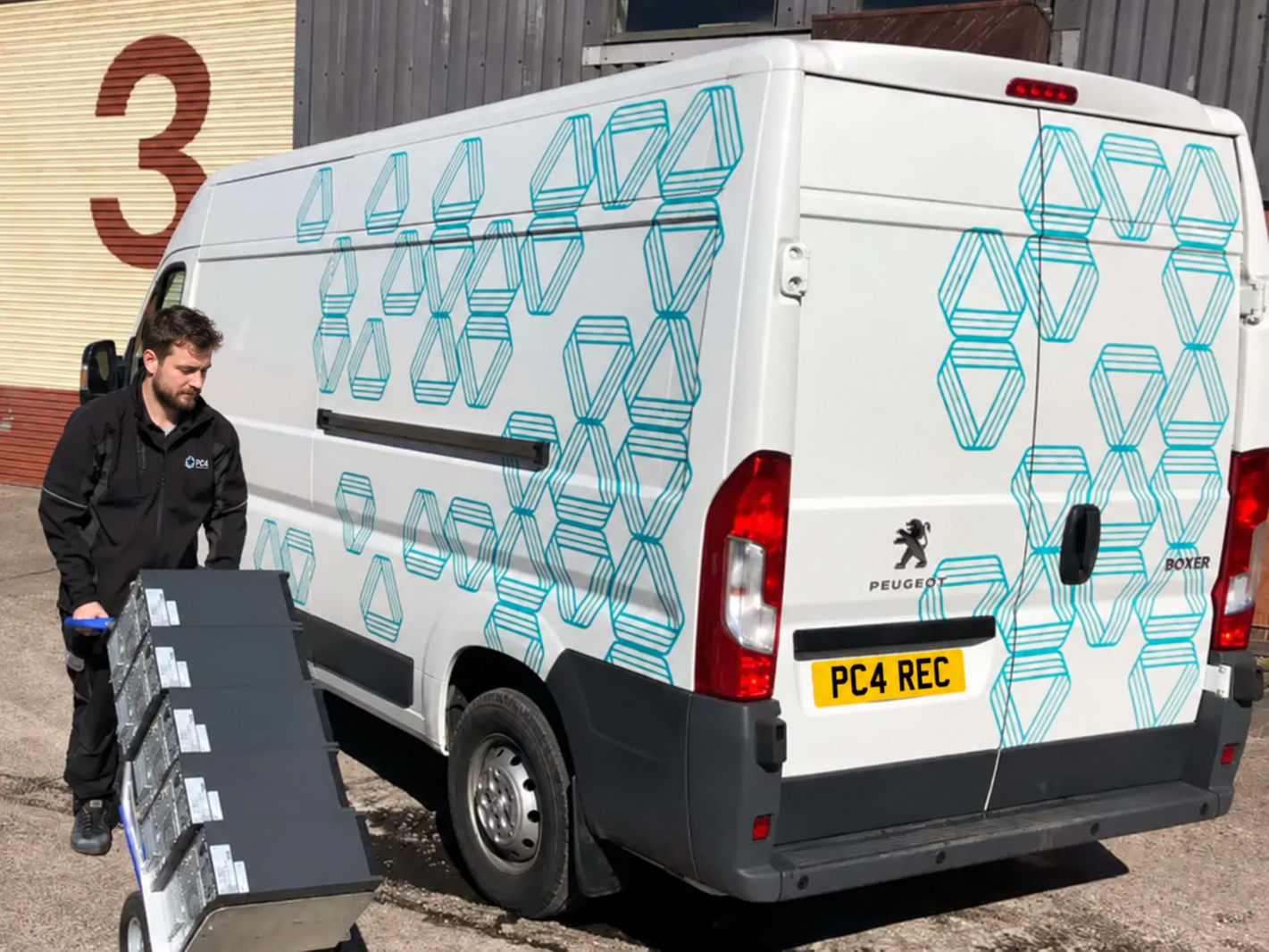 When it leaves service
Choose equipment already in your register and prepare a collection. Keep the device details connected to PC4’s processing and disposal records.
Explore it disposalITAM360 is for teams that need an organised equipment record during use and a straightforward way to prepare it for disposal.
EnquireKeep asset numbers, makes and models, serial numbers, categories and status together in a searchable register.
Record where equipment sits and who it is allocated to, with location, room and staff fields alongside the asset.
See warranty expiry and service dates, and use physical-audit views to find records that need checking.
Select equipment for a collection workflow when it is ready to leave service. Collection and processing are handled through PC4’s service process.
Take a look inside the system and see how to track equipment, manage warranties and licences, and arrange collections.
View the product tour